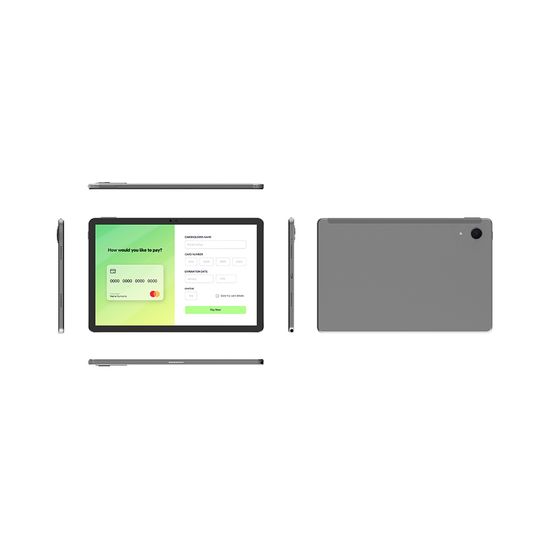
Desk Tablet Docking Station with 7 Inch LCD Screen 8 Ports for Charging Body Camera and Data Transfer

Factory Direct Price Docking Station for Body Camera Data Transfering

Body Camera Docking Station with Network Data and Charging for Body Worn

I have found results from400+products and200+suppliers aboutDocking station tablet


Buyers must prioritize interface diversity and bandwidth. Ensure the station supports USB 3.1 Gen 2 or Thunderbolt 3/4 for high-speed data transfer. For display output, verify support for 4K @ 60Hz via HDMI or DisplayPort to ensure visual clarity. Additionally, Power Delivery (PD) charging is critical; look for stations providing at least 60W to 100W to ensure the tablet remains charged while powering multiple peripherals.
Cross-border buyers should confirm multi-OS compatibility (iPadOS, Android, Windows, and ChromeOS). Request the supplier to provide chipset details (e.g., Realtek, DisplayLink, or Intel); high-quality chipsets ensure Plug-and-Play functionality without the need for external drivers. For enterprise use, verify if the station supports PXE Boot or MAC Address Pass-Through if network security is a concern.
To avoid customs seizures, products must carry CE, FCC, and RoHS certifications. For the European market, REACH compliance is often required. If the docking station includes a power adapter, ensure the plug type matches the destination country and that the adapter has UL or ETL listing for the North American market to mitigate fire hazards and liability.
Opt for aluminum alloy housings over plastic, as metal provides superior heat dissipation and electromagnetic interference (EMI) shielding. Check for reinforced cable joints (SR design) and non-slip silicone padding on the base to prevent the tablet from tipping. For 'stand-style' docks, the hinge torque should be tested for at least 5,000 rotations to ensure long-term stability.
Implement a Strict Quality Control (QC) protocol. Request a Pre-Shipment Inspection (PSI) by a third party to test port functionality, charging stability, and data speeds. On Made-in-China.com, prioritize Audited Suppliers who provide full factory inspection reports. Always insist on a 1% to 2% spare parts allowance for cables or connectors to cover minor defects.
Focus on Tiered Pricing based on volume and Warranty Terms. Instead of just pushing for the lowest price, negotiate for a 12 to 24-month replacement warranty. For long-term partnerships, request OEM/ODM customization (such as logo silk-screening or custom packaging) to be included in the unit price once the order exceeds a specific MOQ (e.g., 500 units).
Be aware of Lithium Battery Regulations if the dock has a built-in battery, as this requires UN38.3 certification for air freight. Use Incoterms like FOB (Free On Board) to maintain control over shipping costs and insurance. Additionally, stay updated on Section 301 tariffs if importing to the US, as electronics often fall under specific duty categories that can impact your Total Cost of Ownership (TCO).
Utilize Secured Payment Services offered by reputable platforms like Made-in-China.com to ensure funds are only released upon confirmation of shipment. Avoid direct wire transfers to private accounts. Always verify the supplier's Business License and Export Qualification to ensure they are a legitimate legal entity capable of handling international claims.